Start with your catalogue.
Choose Shopify products or a collection. Use your product images, prices, variants and availability.
Give your Shopify collection a considered place to shine. Choose a layout, make the details yours, and bring it into your storefront.
Ready-made designs. Your finishing touch. AI optional.Illustrated feature demo · Sample products · No live AI generation
A new drop, a seasonal edit, a product that deserves the whole stage. Build a showcase around what makes your collection worth exploring.
Choose Shopify products or a collection. Use your product images, prices, variants and availability.
Refine the layout, card details, spacing and typography. Start with a ready-made design; explore advanced controls when you need them.
Publish a saved revision, then place your showcase through a theme app block. You choose where it belongs.
Three quick demos of the details that make room for a better product story.
Move from a collection grid to a single-product spotlight. Find the composition that fits the story you want to tell.
Choose a layout, then make it yours.A sample three-product collection appears in a grid. The layout control selects Spotlight and the first product becomes the focus. It returns to the collection view. Layout changes are illustrated with sample products.
Illustrated feature demo · Sample products · No live AI generation
Choose a composition below. Same sample products, a different way to discover them.
THE CURATED EDIT
A sample collection, composed your way.
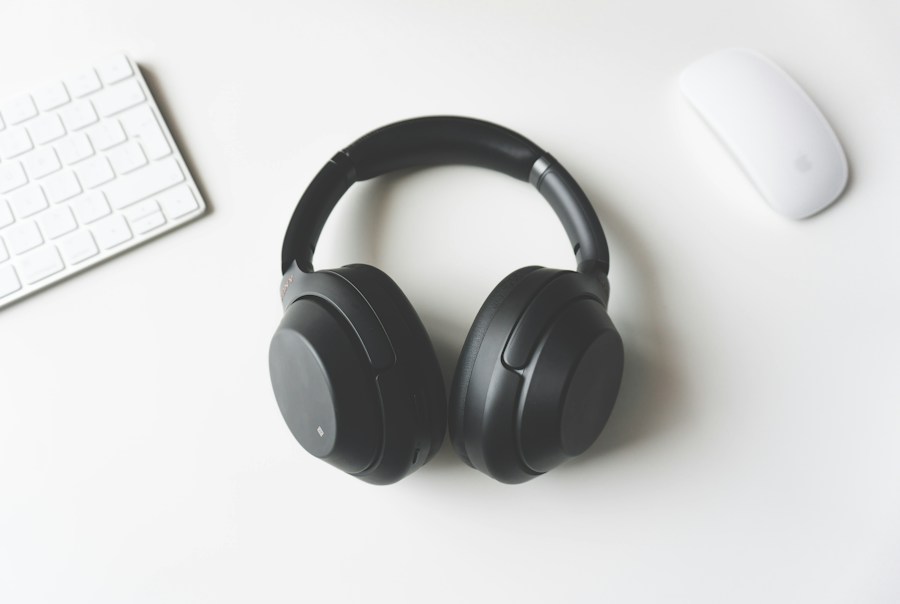 Save 17%01
 Save 0%02
 Save 18%03
Real renderer. Sample products. Scroll inside the preview to explore. Your storefront follows your design choices.
Products, layout, style and interactions each have a place. Focused settings sit below the canvas, with advanced details tucked away until you need them.
Explore the studio workflow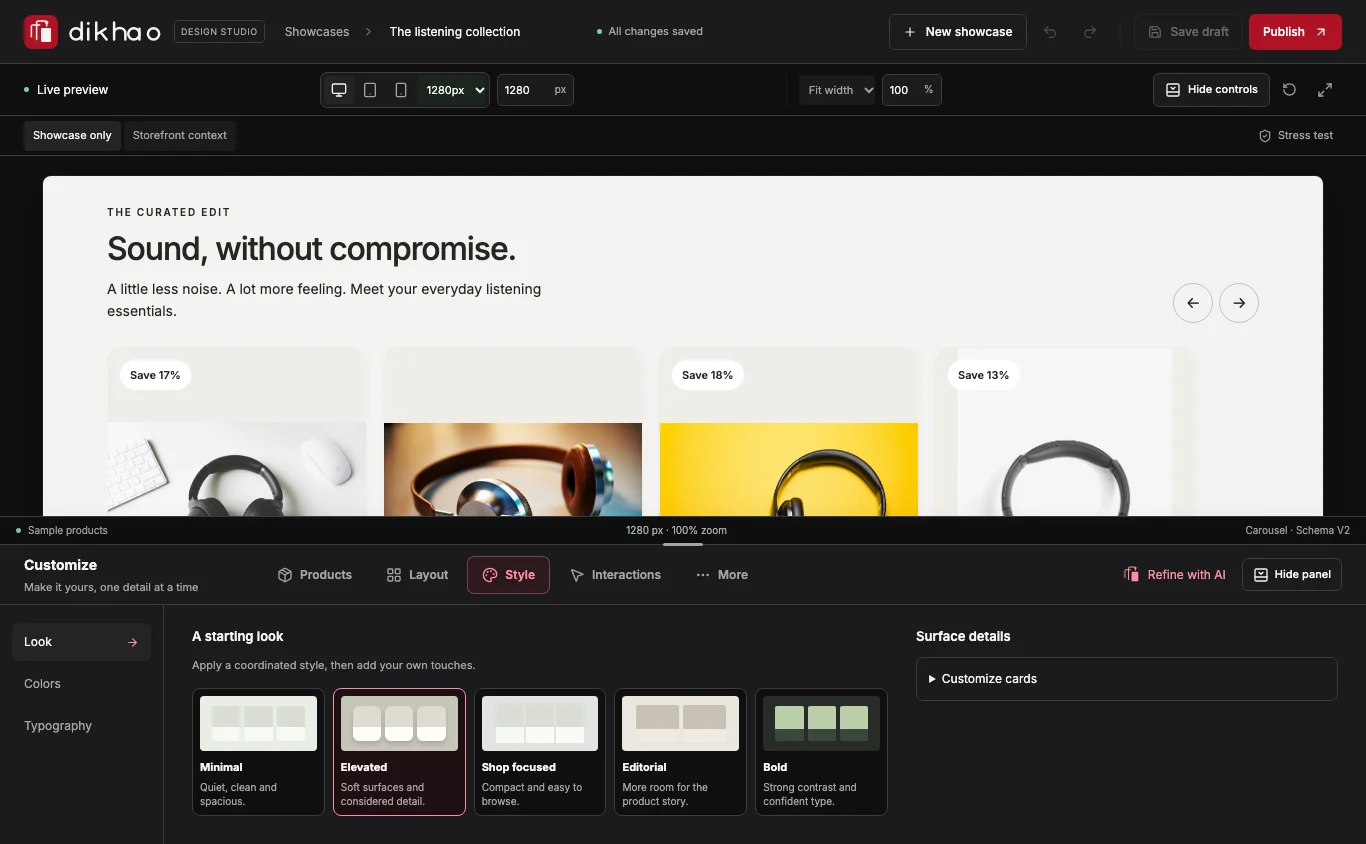
Start with a design. Keep the decisions that matter to you.
Select products or a collection. Pick a starting layout and visual direction. No prompt required.
Review the actual design. Adjust the cards, spacing, type and responsive views. Save a draft when it feels right.
Publish a revision and choose Add to storefront. Preview the connected named block in Theme Editor, position it and save. No ID to copy.
Prefer a prompt? AI-assisted proposals are optional. They require a configured, funded provider and your review before applying. Starting designs and manual customization work without AI.
A few practical details before you start.
Drafts and published revisions are separate. Review a design, publish it, then place the app block in your theme.
The current app requests product and inventory access. It does not request customer or order scopes.
Read the data overviewA compatible Online Store theme with app-block support is required. Preview your layout and test variant and cart actions before launch.
Not yet. Dikhao is coming soon to the Shopify App Store. Public installation will open after approval and publication. The current app is available only to installed development stores.
No. Start with a ready-made design, choose your products and customize it yourself. AI-assisted proposals are optional and require an available, funded provider. The demos on this page do not show live AI generation.
The installed app reads your selected Shopify products or collection, including prices, variants and availability. The website demos use clearly labeled sample products.
Publish a revision, then choose Add to storefront. The app connects a named placement and opens its block in Shopify Theme Editor. Position the block, save your theme and check the storefront. No ID copying is needed; existing ID-linked blocks still work.
You place a showcase through a theme app block. Your existing theme remains the setting for your design. A compatible Online Store theme with app-block support is required; check layout and cart behavior on your own theme.
Public pricing has not been announced. There is no paid subscription or public checkout on this website. Plans and any AI usage conditions will be published before public installation opens.
Coming soon to the Shopify App Store. We’re preparing for public launch, with a focused workflow and clear setup guidance.
Public installation will open after Shopify approval and publication. Pricing will be announced before launch.
Explore the feature demosAlready have development-store access?Not listed, approved or endorsed by Shopify yet.